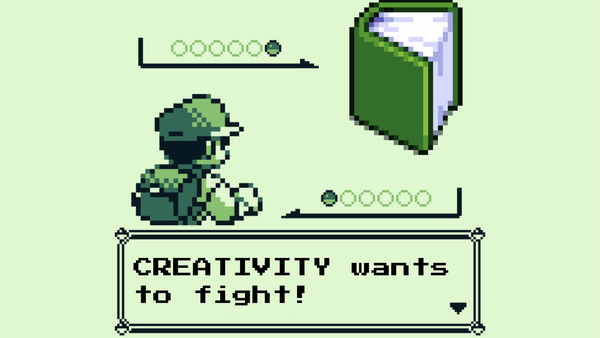
A Bit of a Sidequest...

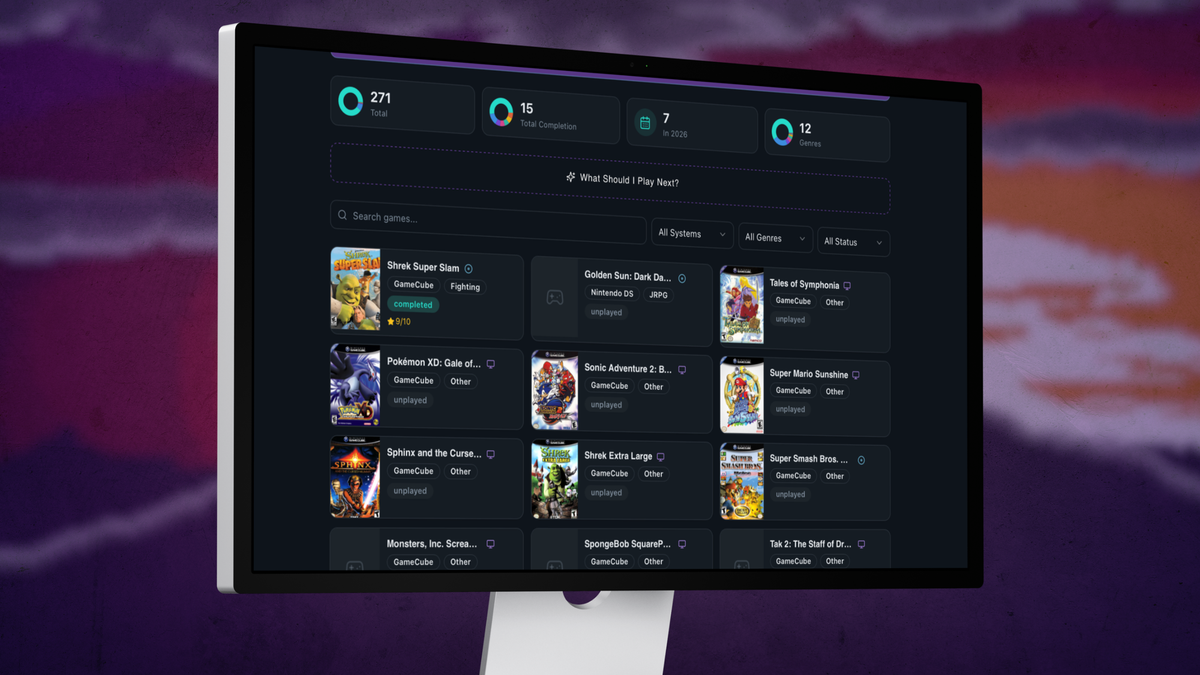
I wrote code for a web app.
Okay that's only partially true.
At the beginning of April, my son started being able to nap in his crib for extended periods, meaning I was FINALLY able to do more around the house, like laundry, yard work, the basement mega project... I finally started to feel accomplished. So naturally, I also took the time to learn something new: Vibe Coding.
If you're not in "the loop", Vibe Coding is a software development practice assisted by artificial intelligence (AI) such as by chatbots or AI agents such as Codex or Claude Code. Essentially, making something like a website or app without needing all of the intensive training and skills.
Before we go any further, let me get a quick note in: I do NOT think that Vibe Coding is going to be the future of the web development or coding. In fact, I know several folks from both work and IRL friends that are incredibly skilled in this space that I would trust their 1/4 assed work over anything vibe coded any day of the week. But it's definitely nice to be able to make an idea a reality on a smaller scale.
So anyway... I met with my good friend Jordan and spent an hour or so talking about everything that would be needed to get going; thoughts on how to properly prompt, tools for hosting and creation, and of course how to sync to Github. That last part is way more important than I thought it would be.
So since we're at the end of April (as of writing this), I figured it would be fun to do a tiny post-mortem of my first month of "work" on this project.
What Worked?
One of the first pieces of advice I got was to act like I was scripting a video segment when prompting the tool, in this case Loveable. And ya know what? Writing something out like a script actually worked really, really well!
ex. Users will be adding games manually to this tool. When adding a game, and on the Edit Game prompt, include an option for "Start Date" and "End Date" with a Help icon next to "Start Date". The Help icon should inform the user that this information is to provide the user with a timeline of their backlog progression.
Since Loveable is a credit-based tool (meaning you have to use a monthly credit allowance to make the tool do what you're asking), it is imperative to get as much as you can get for as little as you can spend. And this advice helped me do that with aplomb.
I also learned that, if you take your time working on a project, you'll occasionally find deals or new updates that help things move along more smoothly. For example, I wasn't planning to originally add a custom domain to my tool, as domains cost money that I just don't want to spend willy-nilly. But on the week of the 27th, I saw a note that some domains were available for $1USD which is a gosh dang STEAL! So of course I spent a few hours looking into SEO for a few different options before choosing... well, I'll save that for a different post. Mostly because I am not ready to fully release the tool just yet. But I have the domain now, and it's technically out there if you feel like you want to seek it out!
What Didn't Work?
I am absolutely horrendous at making things look pretty that aren't videos. Graphic design is, in fact, not my passion. So a lot of the look of the tool isn't what I would call perfect at this time, and the more I try to change it the more I realize I don't have a definitive "look" in mind. And that's kinda annoying.
Then there's the nagging voice in the back of my head that says I should share this tool out on the web for others, but the more people use it the more of a cost it will become. And I'm just not ready to monetize it. Yet. Maybe ever? But for now, yet.
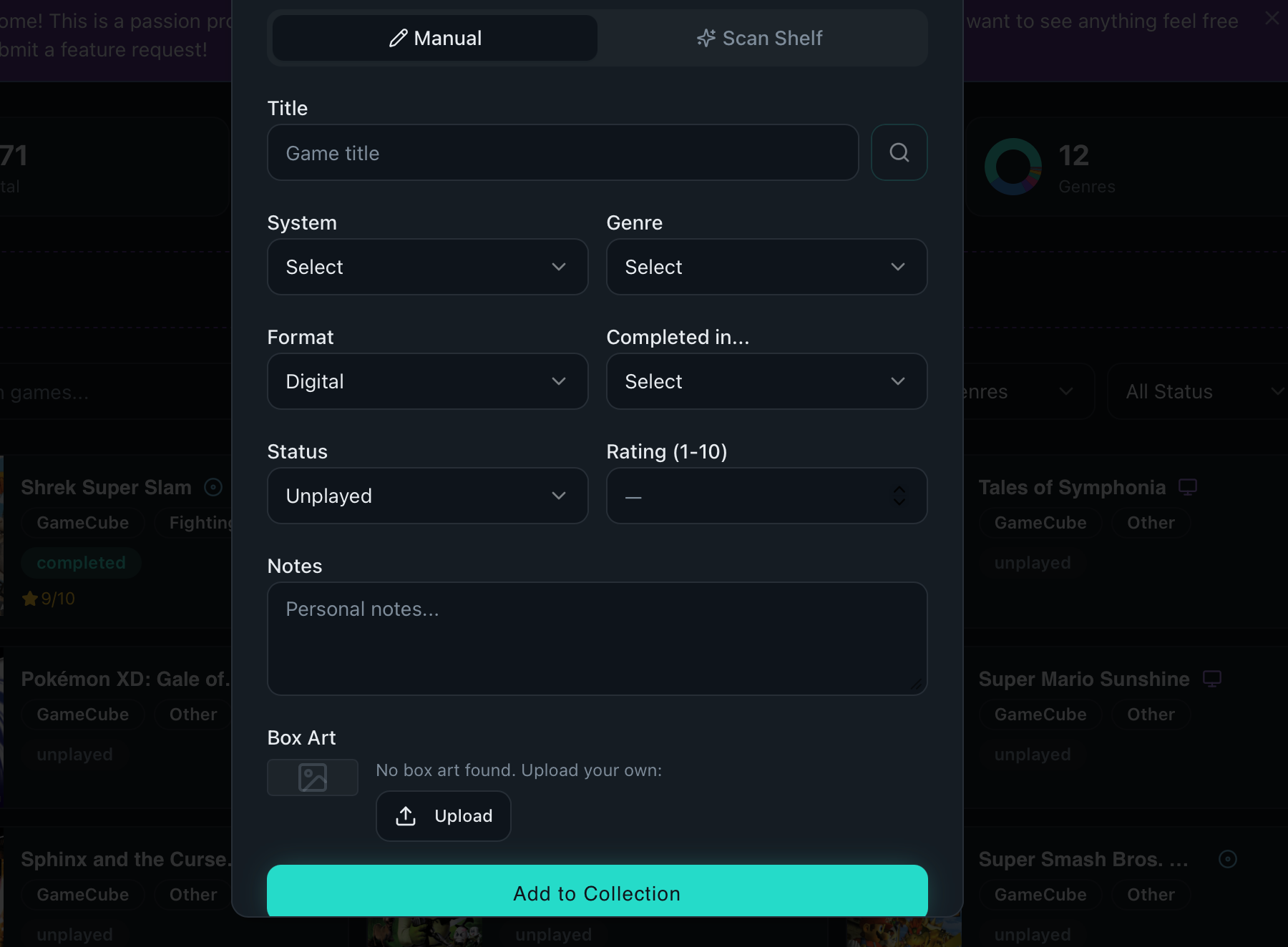
I'm currently planning on reaching out to a few folks and setting up a sort of beta test to get some actual user feedback, but that's a story for yet another post.
To close this out, I am by no means a software developer. I'm a video creator with a few different needs that just so happened to be able to access the tools to help actually solve one of those needs. And that's pretty freaking neat!